
Most Google Ads accounts don't fail at launch. They fail in month two, when nobody is reading the search terms and the budget drifts toward clicks that were never going to buy. Here is what good management looks like, week by week.

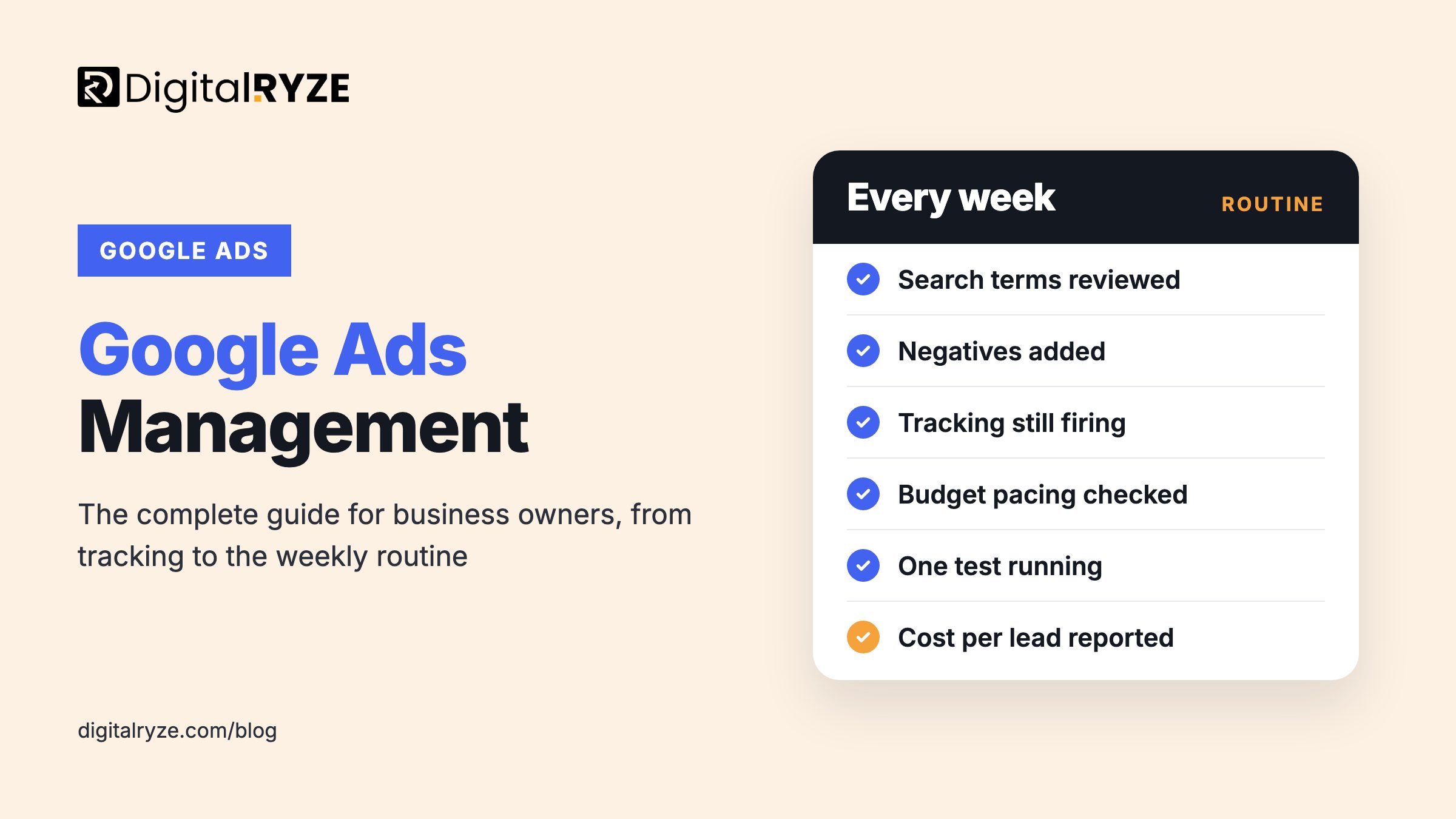
Google Ads management is the ongoing work of running an account so it produces profitable leads or sales: choosing campaign types, structuring keywords, setting bids and budgets, testing ads and checking tracking every week. Setting up an account takes a day. Keeping it profitable takes a routine. This guide covers what that routine looks like for Google Ads for business owners, whether you run the account yourself or hire a Google Ads management agency to do it for you.
Google Ads management means running your account week to week so it turns budget into leads or sales. That covers conversion tracking, campaign and keyword structure, match types and negative keywords, bidding, ad testing, landing pages and budget pacing. Set tracking up first, review search terms weekly, and judge every change on cost per lead, not clicks.
Every time someone searches, Google runs an auction among the advertisers bidding on matching keywords. Where your ad appears, and what you pay for a click, depends on your bid and on how relevant Google judges your ad and landing page to be. That relevance is why a well-built account can pay less per click than a competitor who simply bids more.
You pay when someone clicks, not when the ad shows. So the useful question is not "how much is a click?" It is "how many clicks does it take to win a customer, and is that customer worth more than those clicks cost?" Almost every management decision comes back to that sum.
Google Ads is several advertising products under one login. Each campaign type reaches people at a different stage, so the mix should follow your goal rather than whatever Google recommends during setup.
Local Services Ads are a separate product that appears above regular ads in some service categories and charges per lead rather than per click. If your business is in an eligible category, they are worth testing alongside Search.
Starting from scratch? Launch Search on your highest-intent services first. Add other campaign types once Search is producing tracked leads at a cost you are happy with.
If Google can't see which clicks became leads, it can't optimize toward them, and neither can you. Before launch, make sure every action that matters is tracked: form submissions, calls from ads, calls from your website, bookings and, for ecommerce, purchases with their value.
This is where we find the most wasted money. One US taxi company we took on had a broken conversion tag that had been undercounting real leads for months, so its campaigns were being optimized against bad data. Fixing the tag and tightening geo and device targeting produced a 163% increase in conversions and a 62% lower cost per lead. You can read how in our Google Ads case studies.
Two upgrades are worth the effort once the basics work. Enhanced conversions send hashed first-party data, such as the email address from a form, to make measurement more accurate. Offline conversion imports feed back which leads actually became paying customers, so Google learns to find more of those rather than more form fills.
A clean account groups keywords by what the searcher wants. Separate campaigns for separate services, or for locations with very different economics, give you control over where the budget goes. Inside each campaign, ad groups should be tight enough that the ad and landing page can speak directly to the search.
Match types decide how loosely Google interprets your keywords. Broad match reaches the most searches and also wastes the most money unless it is paired with strong conversion data and an active negative keyword list. Phrase and exact match keep spend closer to what you intended.
That one setting can change an account. Naan Kabob's 60% cheaper cost per click came from rebuilding the campaign structure and moving broad match keywords to phrase and exact match, so budget stopped flowing to searches that were never going to convert.
Negative keywords are the other half of the job. Every week the search terms report will show queries you never meant to pay for: job seekers, people looking for free help, competitors' brand names, services you don't offer. Adding those as negatives is the most reliable way to stop budget leaking.
Most Google Ads accounts aren't short of budget. They're short of someone reading the search terms every week and asking whether each click had a real chance of becoming a customer.
Smart Bidding strategies such as Maximize Conversions, Target CPA and Target ROAS use your conversion history to set a bid for every auction. They work well when there is steady, accurate conversion data to learn from. Switched on too early, with only a handful of conversions or with broken tracking, they optimize toward noise.
A sensible path for a new account is to start with a strategy that gives you control while data builds, move to Maximize Conversions once leads are coming in consistently, then set a target cost per acquisition when you know what a lead is worth. Change one thing at a time, and give each change long enough to settle before you judge it.
Don't start with a number you'd like to spend. Start with what a customer is worth and what you can afford to pay to win one. If you know your close rate from lead to customer, you can work out an affordable cost per lead, and from that a monthly budget that can produce the volume you need.
The budget also has to be big enough to learn from. Spread a small budget across too many campaigns and none of them gets enough clicks to tell you anything. It is usually better to fund one or two campaigns properly than six campaigns thinly.
The click is only half the job. A homepage that makes visitors hunt for the service they searched for wastes the money it took to bring them there. Each main ad group should land on a page that matches the search, states the offer clearly, shows proof and makes the next step obvious, whether that is a call, a form or a booking.
Speed and mobile layout matter as much as the copy. Plenty of service searches happen on phones, so test every landing page on one before you send paid traffic to it.
Once a month, step back. Compare cost per lead and lead quality against the previous month, check which services and locations are profitable, and decide where the next budget increase should go.
Most wasted spend comes from a short list of habits: broad match without negatives, Smart Bidding switched on before there is data, Performance Max running without brand exclusions, and ads sent to pages nobody reviewed. We cover the full list, with fixes, in 8 Google Ads mistakes that burn budgets.
Some industries carry restrictions that change how an account has to be built. Healthcare advertisers work within Google's healthcare ad policies and privacy limits on tracking, which we break down in our guide to Google Ads for doctors and medical practices. Dental practices and law firms compete hard on local, high-intent searches, so account structure and landing pages carry even more weight.
Paid search gives you data fast: which search terms convert and which messages earn the click. Feed that into your SEO content plan, and use organic visitors to build remarketing audiences. The two channels should share keyword research and reporting, not compete for credit.
Air Riderz shows what that looks like. Their 3,029% growth in ticket sales came from running SEO and Google Ads as one plan, so organic rankings fed the remarketing lists instead of the two channels bidding against each other for the same traffic.
Managing your own account can work if you have one location, a short list of services and a few hours every week to give it. It gets harder as spend grows, as you add campaign types, or when tracking involves calls, a CRM and sales that close offline.
If you hire a freelancer or agency, ask who will do the work day to day, how they will track leads, how they charge and who owns the account. The answer to that last one should always be you, with the agency given access, so your history, audiences and conversion data stay with you if you ever switch.
If you already run Google Ads, start with an honest audit: is tracking right, what are you paying for in the search terms report, and what does a lead actually cost? If you are starting fresh, set up tracking, launch Search on your best service and build from there. If you'd rather have specialists run it, our Google Ads management services start with exactly that audit.
A small account with one or two Search campaigns needs a few focused hours a week once it is set up: search term reviews, negative keywords, budget checks and one small test at a time. Setup takes much longer. Accounts with several campaign types, multiple locations or an ecommerce feed need more time, and someone who knows the platform well.
Technically no, but without it neither you nor Google can tell which clicks became customers. Smart Bidding relies on conversion data, and without it you end up judging success on clicks and impressions. Set up tracking for forms, calls and bookings before you launch, and test it with a real submission so you know it records correctly.
Only with safeguards. Broad match reaches the widest range of searches, which can surface new opportunities but also wastes budget quickly. It works best alongside accurate conversion tracking, Smart Bidding and a negative keyword list reviewed every week. Most new accounts are safer starting with phrase and exact match, then testing broad once data builds up.
It can be, once you have reliable conversion tracking and enough conversions for the automation to learn from. Without that, Performance Max can spend across placements that rarely convert. Add brand exclusions so it does not take credit for searches you would win anyway, give it strong creative, and judge it on cost per lead rather than reported conversions alone.
Search campaigns can produce leads within days of launch, but the first few weeks are mostly about learning: which search terms convert, which to exclude and what a lead really costs. Expect performance to settle and improve over the first one to three months as negative keywords, bids and landing pages are refined.
You should. The account, its billing and the linked Google Analytics property should sit under your business, with any agency or freelancer added as a user or through their manager account. That keeps your campaign history, audiences and conversion data with you if you ever change who manages it.
Book a 30-minute call. We'll look at your tracking, your search terms and your cost per lead, and tell you what we would fix first, whether or not you hire us.
The call is with me or a senior strategist, not a salesperson.
Tracking, search terms, structure and where budget is leaking.
Ranked by how much budget each issue is costing you.