
GoHighLevel promises to replace half your software stack with one login. Sometimes it does. Sometimes it becomes the most expensive half-built CRM you own. Here is what it actually is, what it costs to run and how to tell whether it fits your business.

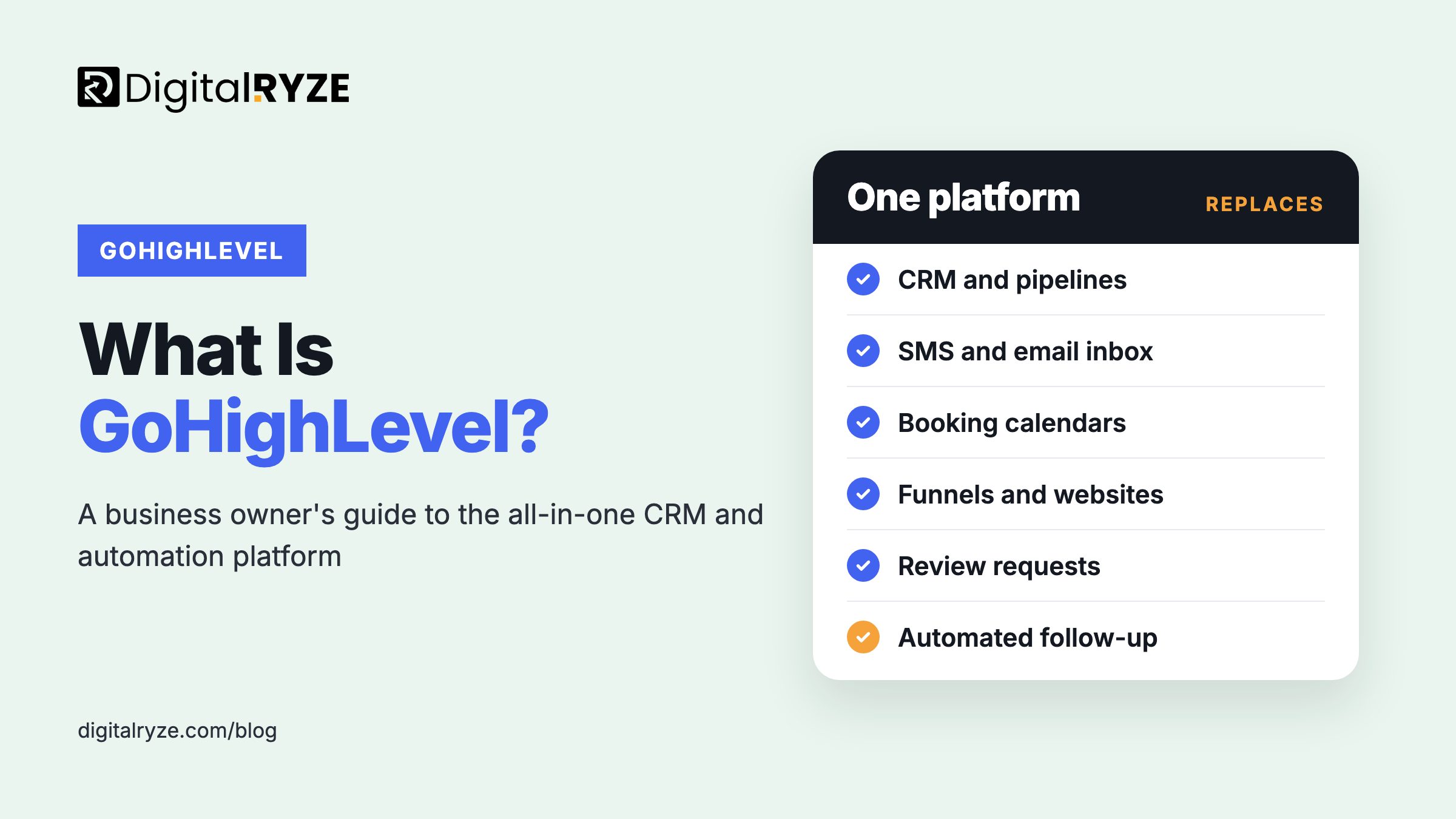
GoHighLevel is an all-in-one sales and marketing platform that combines a CRM, sales pipelines, email and SMS, booking calendars, funnels and websites, review requests and automation in a single account. It was built for marketing agencies first, which is why it can feel like a lot the first time a business owner logs in. We build on it for clients as a GoHighLevel agency, so this guide covers what it does, what it replaces, what it costs to run and where it falls short.
GoHighLevel is an all-in-one CRM and marketing automation platform. It puts contacts, sales pipelines, two-way SMS and email, calendars, funnels, websites, review requests and automated follow-up in one account, replacing several separate tools. It was designed for agencies, so it is powerful but needs proper setup to deliver results for a single business.
The easiest way to understand it is to follow one lead through it.
Someone fills in a form on your website or responds to a Facebook ad. GoHighLevel creates a contact, places them in a pipeline stage and sends a text within seconds asking when suits them for a call. If they reply, the conversation lands in a shared inbox next to their emails and social messages. If they book, the calendar confirms the slot and sends reminders. If they don't show up, a follow-up sequence starts. After the job, a review request goes out automatically. Every step is logged against the contact, so anyone on your team can see the full history.
None of those steps is new on its own. What is different is that they all happen in one system that shares the same contact record, instead of five tools held together with integrations that break when one of them updates.
HighLevel has added a set of AI tools sold together as the AI Employee. The two that matter most for a typical business are Conversation AI, which can answer and qualify inbound messages and book appointments, and Voice AI, which can answer phone calls, collect details and book or route callers when your team can't pick up. There are also AI tools for writing content and replying to reviews.
Used well, these close the gap between a lead arriving and someone responding. Used badly, they give confident wrong answers to your customers. Treat them like a new hire: clear instructions, a knowledge base built from your real services and policies, and someone reading the transcripts every week.
A typical small business runs some mix of a CRM, an email marketing tool, an SMS tool, a scheduling app, a landing page builder, a review tool and sometimes a course platform, each with its own login and bill. GoHighLevel can replace most of them. The real value is less about subscription savings and more about every tool sharing one contact record, so automation can react to anything a lead does.
It is not always the best tool in each individual category. A dedicated email platform may have a more polished editor, and a large sales team may want deeper reporting from an enterprise CRM. The trade is breadth and connection in exchange for some depth.
HighLevel was designed for marketing agencies first. An agency account holds a sub-account for each client, a complete setup can be saved as a reusable template called a snapshot, and the whole platform can be rebranded under the agency's own name. That is why many business owners first meet it under a different brand, with the mobile app showing up as LeadConnector.
For businesses, it suits companies that depend on fast lead response and booked appointments: dental and medical practices, home services, med spas, legal, coaching and other local service businesses. It is a weaker fit for ecommerce stores that need deep product and inventory tools, and for large sales teams already invested in an enterprise CRM.
For agencies that want to offer GoHighLevel to their own clients without hiring a build team, our white label GoHighLevel development service handles the work under your brand.
HighLevel charges a flat monthly subscription for the account, with tiers that mainly differ in how many sub-accounts you can run and whether you can resell the platform under your own brand. On top of the subscription, usage is billed separately: SMS, phone calls, email sending and some AI features are charged by volume.
So two businesses on the same plan can have very different monthly bills. Budget for usage, and check HighLevel's own pricing page for current plan prices, since they change. If you get GoHighLevel through an agency, ask what their fee includes and whether usage is passed through at cost or marked up.
GoHighLevel gives you the parts. It does not decide how your business should follow up with a lead. Out of the box it is an empty account, and a half-built one is worse than the simple tools it replaced: duplicate contacts, automations firing at the wrong moment, texts going out at midnight.
A proper setup starts with your sales process, not the software. Map how a lead becomes a customer, then build pipelines, custom fields, calendars and workflows to match. Register for SMS compliance before you send a single text. In the US that means A2P 10DLC registration, and messages from unregistered numbers can be filtered or blocked by carriers.
Then test every automation with a real contact before it touches a customer, and set quiet hours so nothing goes out overnight.
GoHighLevel doesn't fix a slow sales process. It runs whatever process you give it, faster. Get the process right first.
It is a strong fit if your leads come in through forms, calls and ads, if response speed affects whether you win the job, and if you are tired of paying for and connecting five separate tools. It is a poor fit if you need specialist ecommerce or enterprise sales features, or if nobody will own the setup. If you want it built around how you actually sell, our GoHighLevel setup and automation services start by mapping your sales process, then build the system around it.
Yes, but it does more than a typical CRM. Alongside contacts, pipelines and opportunity tracking, it includes two-way SMS and email, calendars, funnels and websites, review requests, payments and an automation engine. Most businesses use it both as their CRM and as the system that follows up with leads automatically, replacing several separate tools.
They are the same platform. LeadConnector is the name commonly used for the branded mobile app and for the platform when agencies resell it. If an agency gave you a login to a system with its own name, it is very likely GoHighLevel underneath, with the agency's branding on top.
Yes. Businesses can sign up directly with HighLevel and build their own account. The platform was designed with agencies in mind, so setup has a learning curve, and the quality of your pipelines, workflows and SMS compliance depends on whoever builds them. Many businesses start with a professional setup, then handle day-to-day use themselves.
It can. GoHighLevel includes a website and funnel builder that works well for landing pages, booking funnels and simple service sites. Businesses with large content sites, complex SEO needs or ecommerce catalogs often keep their main site on WordPress or Shopify and use GoHighLevel for funnels, forms and booking, connected to the same CRM.
It suits dental practices well because so much of their growth depends on fast follow-up, booked appointments, reminders that cut no-shows and steady review requests. It does not replace practice management software, so the two need to work side by side, and patient data needs careful handling to stay within privacy rules.
A focused setup with a pipeline, calendar, core follow-up workflows and SMS registration can be live within a few weeks. A full build with funnels, a website migration, review automation, AI agents and integrations takes longer. Carrier registration for SMS can add time on its own, so start it early rather than at the end.
Book a 30-minute call. We'll map how leads reach you today, show you what GoHighLevel would automate, and tell you honestly if it's overkill for your business.
The call is with me or a senior strategist, not a salesperson.
Every form, call and ad source, and where leads go cold.
What to automate first and what to leave out.